Scanning The QR Code
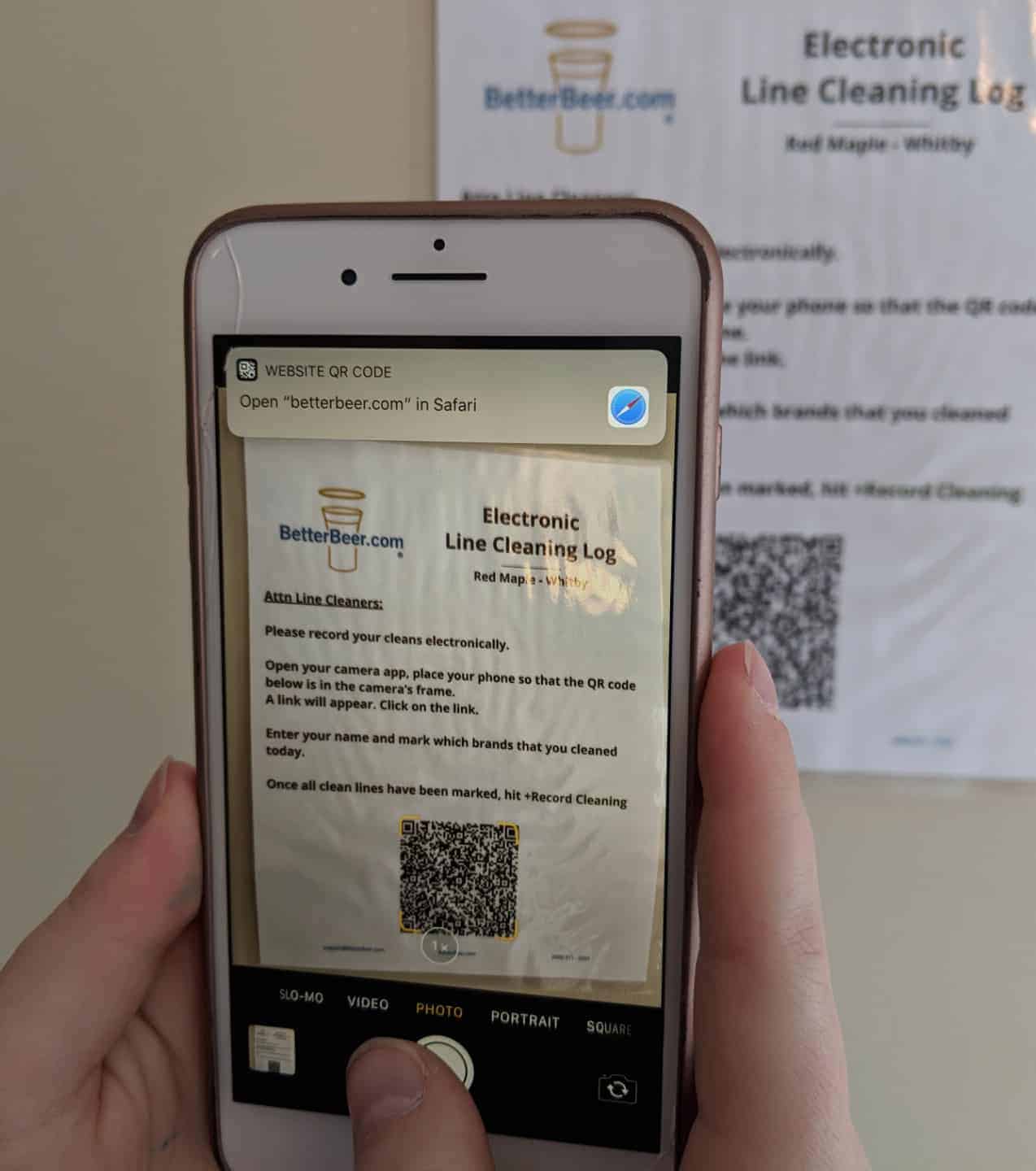
Please record your cleans electronically.
- Open your camera app.
- Place your phone so that the QR code on the sheet is in the camera’s frame.
- A link will appear. Click on the link.
Recording The Line Cleaning
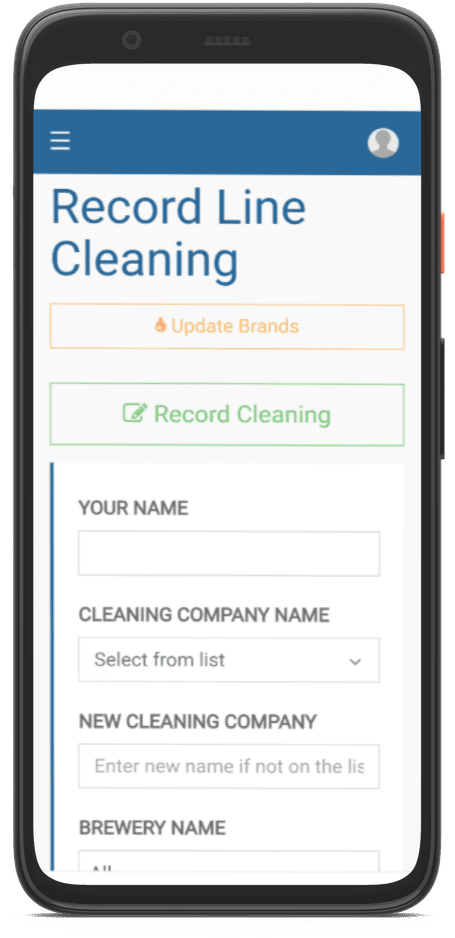
- Type in Your Name.
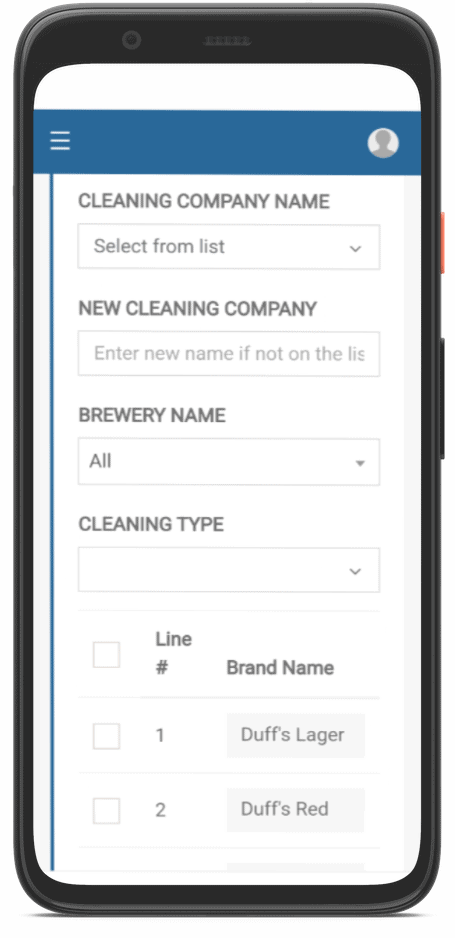
- Select your Cleaning Company from the dropdown. If it is not there, add it in the box below titled New Cleaning Company.
- If you would like to search for only lines from a particular brewery, use the Brewery Name Dropdown
- Under Cleaning Type select if you'd like to record a Caustic, Acid, or Both cleaning.
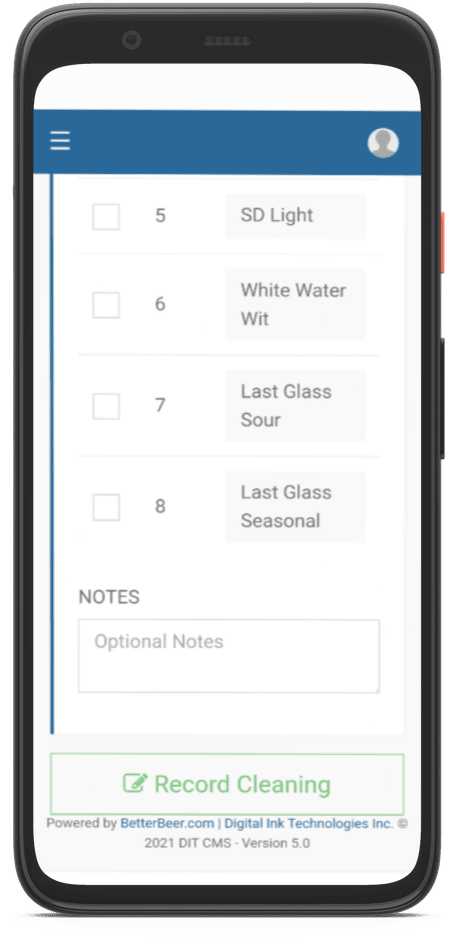
- Check off which lines you cleaned.
- Tap on +Record Cleaning
OPTIONAL: You can add a note at the bottom of the form that will be sent to the establishment's management and the Better Beer team.
If you would like to Update Brands because of a new brand on the line, click on Update Brands.
Need help? Call or text us at (888) 811-2337 or email us support@BetterBeer.com